
A practical guide to service pages, local visibility, AI search and enquiries your team can actually help.
Your website gets visits, but the phone calls are about services you do not offer, suburbs you cannot reach or places you no longer have available. More traffic will not solve that. A useful NDIS SEO strategy connects what people search for with the supports, locations and capacity your organisation can genuinely provide.
SEO for NDIS providers means making your services discoverable in search and making it easy for participants, families and referrers to assess whether you are suitable. Start with clear service pages, accurate local information and an accessible enquiry path. Then measure which searches lead to suitable enquiries, rather than treating every visit as a win.
The goal is not to become visible to everyone. It is to become the obvious next step for someone you can genuinely help.
- The NDIA reported 782,013 active participants at 30 June 2026. National scheme size is useful context, not a forecast of enquiries for one provider.
- Google allows eligible service-area businesses to specify up to 20 service areas. Those areas describe delivery coverage; they do not create 20 offices.
- The ABS estimated that 21.4% of Australians had disability in its 2022 survey, released in 2024. Accessibility belongs in the enquiry journey from the start.
1. Build your NDIS SEO strategy around demand you can serve
Choose SEO priorities where three things overlap: people need the support, your team serves the area, and you can offer a useful next step. A large keyword number is a poor substitute for that fit.
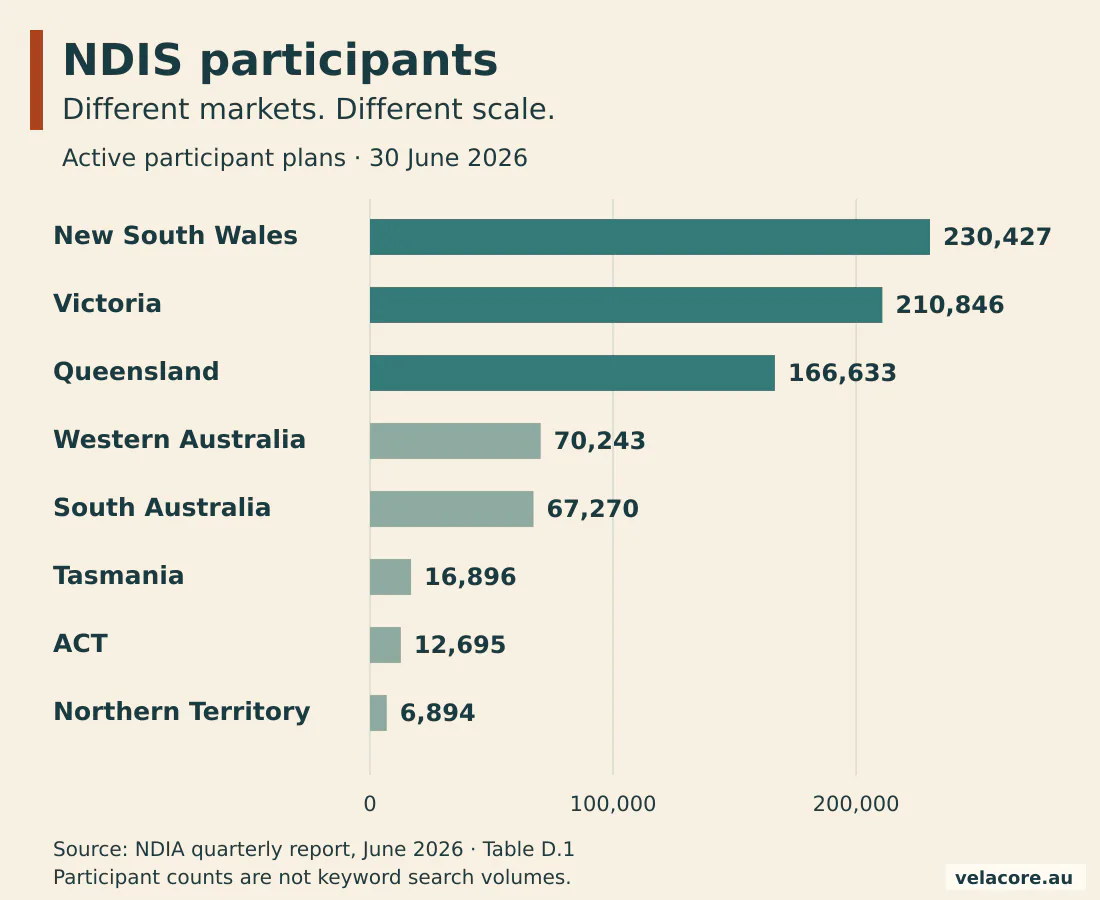
The NDIA’s June 2026 participant data shows why a national headline needs a local lens. It recorded 230,427 active participants in NSW, compared with 70,243 in WA. It also recorded 36,874 participants receiving supported independent living, a particular support category within the wider scheme. Neither count tells you how many people are searching for your service this month.
| State or territory | Active participants |
|---|---|
| New South Wales | 230,427 |
| Victoria | 210,846 |
| Queensland | 166,633 |
| Western Australia | 70,243 |
| South Australia | 67,270 |
| Tasmania | 16,896 |
| Australian Capital Territory | 12,695 |
| Northern Territory | 6,894 |
Source: NDIA Table D.1. The national total also includes other territories and records with missing location data.
Use NDIA Explore data to understand your operating market. Use Google Search Console to inspect the queries and landing pages already bringing people to your website. Then compare both with your team’s current service coverage and intake records. They answer different questions; use them together.
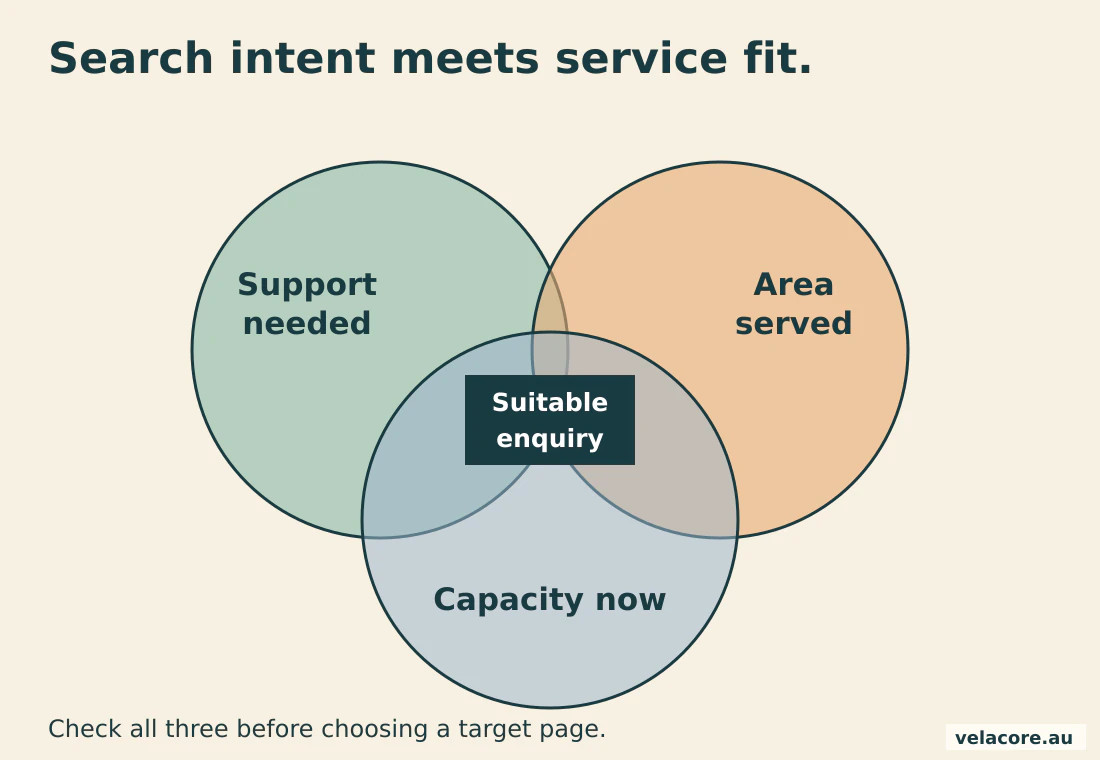
For example, a provider with community-access capacity around Armadale has a different priority from a provider recruiting support workers there. Separate participant enquiries from recruitment intent. Otherwise, a rising traffic report can disguise an intake problem.
2. Give each important support a page that helps someone choose
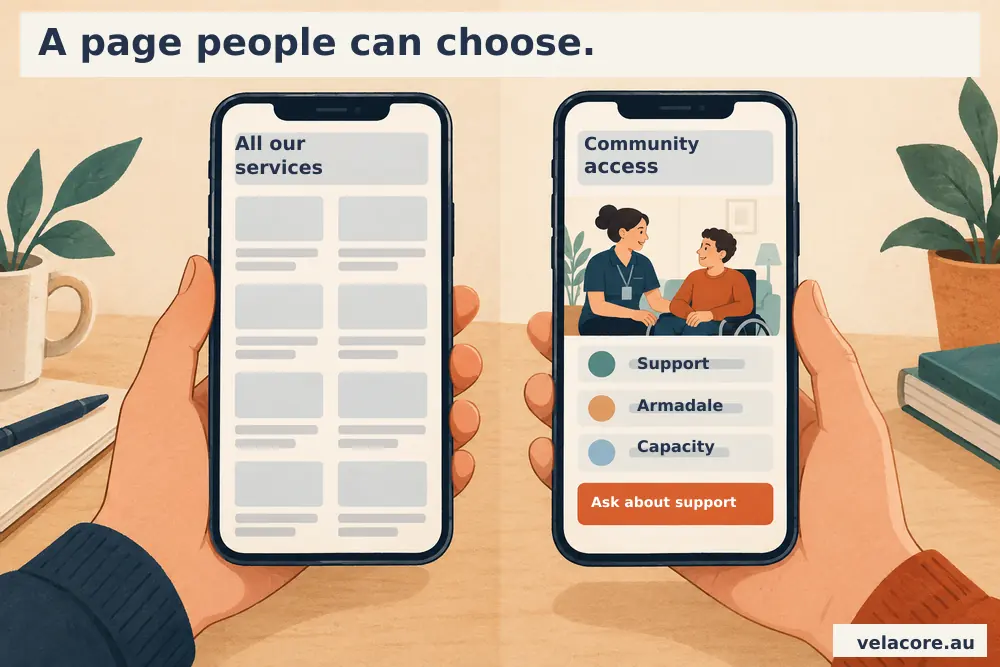
Create a distinct page when the service has its own purpose, suitability questions and enquiry route. A single page listing every support makes those decisions harder.
For a community-access page, a reader should quickly understand what support looks like, who it is suitable for, where it is delivered and how to enquire. A support coordinator may also need a referral route and a current capacity statement. Answer both audiences without making either hunt through promotional copy.
- Service: describe the actual support in everyday language, then introduce the formal term.
- Suitability: explain the needs you support and relevant limits on your service.
- Delivery: name genuine locations, how appointments work and what happens after contact.
- Evidence: show real team expertise, accurate registration details and relevant service information.
Keep important distinctions intact. Supported independent living (SIL) concerns assistance with daily life; specialist disability accommodation (SDA) concerns specialist housing. The NDIA explains these as different home and living supports. Treating them as interchangeable keywords invites the wrong enquiry.
Write a specific page title, one clear H1 and a search description that reflects the service. Connect related services and useful explanations with descriptive internal links. The wider NDIS website design service covers the website structure behind that journey.
3. Make local SEO for NDIS providers reflect real delivery areas
Build location pages around meaningful local information, not a spreadsheet of suburb names. A separate page earns its place when it helps someone make a different decision.
A catchment page might explain which supports operate there, actual suburbs served, the nearest genuine office, travel arrangements and the relevant contact route. Link it to the service pages available in that area. Add another location page when the information genuinely changes.
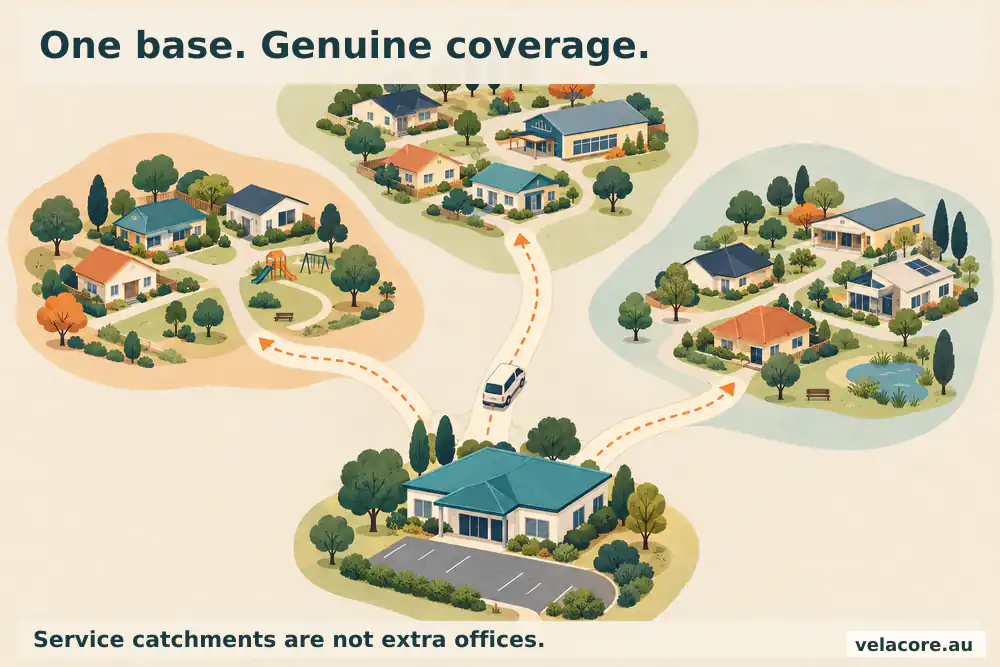
Google’s doorway abuse guidance addresses pages created to target similar queries while funnelling people to the same destination. Thirty near-identical pages with swapped suburb names give readers little extra value.
The same thinking applies to consolidation. Keep a useful existing URL, improve its content and links, and redirect a genuinely redundant page to the closest relevant replacement. Avoid sending every retired location to the homepage. For a narrower checklist, use our guide to local SEO for NDIS providers.
Ask your service manager what is different there: available supports, delivery team, access arrangements, catchment or intake route. If nothing changes except the place name, strengthen the existing page first.
4. Make your Google Business Profile match the business people will find
Use your genuine business identity, operating model and service area. Google says local results depend mainly on relevance, distance and prominence; a longer service-area list does not replace those factors.
Check the real-world business name, most appropriate available category, phone, opening hours and destination website page. If participants do not visit your address, review whether the business belongs in the service-area model. Google’s business representation rules exclude virtual offices that are only mailing addresses.
Eligible service-area businesses can select up to 20 named areas. Google also advises that the overall boundary should generally stay within about two hours’ driving time of the base. These are Business Profile guidelines, not an instruction to promise supports across every possible postcode.
Keep directory records consistent with the same identity. Choose relevant sector, local community and professional listings that your organisation qualifies for. A correct listing someone actually uses is more useful than a bulk directory package.
Ask for reviews without steering the answer
Invite honest feedback with a neutral request. Google’s review policies prohibit incentives, selective requests for positive reviews and pressure over what a reviewer writes. Let people choose whether to review, and keep responses away from personal support details.
A short public acknowledgement is enough. Detailed resolution belongs in a private conversation, not a reply that confirms someone’s diagnosis or service history.
5. Use NDIS website optimisation to remove friction from enquiries
A page is doing its job when someone can understand the service and contact you in a way that works for them. Search visibility is only the beginning of that task.
Start the enquiry with the service, broad location and a preferred way to be contacted. Ask your intake lead which information is genuinely needed now and which belongs in a secure follow-up. A long form requesting a plan, diagnosis and detailed history can turn a simple first contact into an intake assessment.
Use persistent labels, clear required fields, readable error messages and keyboard-operable controls. The W3C’s form labelling guidance explains how labels connect to controls. Test the actual form on a phone, with a keyboard and after a validation error; a visual accessibility badge does not perform those checks.
Check that search engines can reach the important pages
In Search Console, use URL Inspection on a priority service page. Check its indexability, selected canonical and live fetch. Make sure a public page is not blocked by an accidental noindex setting, login screen or server error. A canonical identifies the preferred URL; it should agree with the page you want discovered.
Link the page from navigation or a relevant service hub, include it in the sitemap and check it on a phone. Fix broken pages and inaccessible forms before spending the next budget on outreach.
Keep the service page when capacity changes
Update the availability statement rather than deleting the service URL whenever a team is full. Explain whether you are accepting enquiries, operating a waitlist or offering another contact route. Remove expired vacancies and old promises while keeping the durable service information useful.
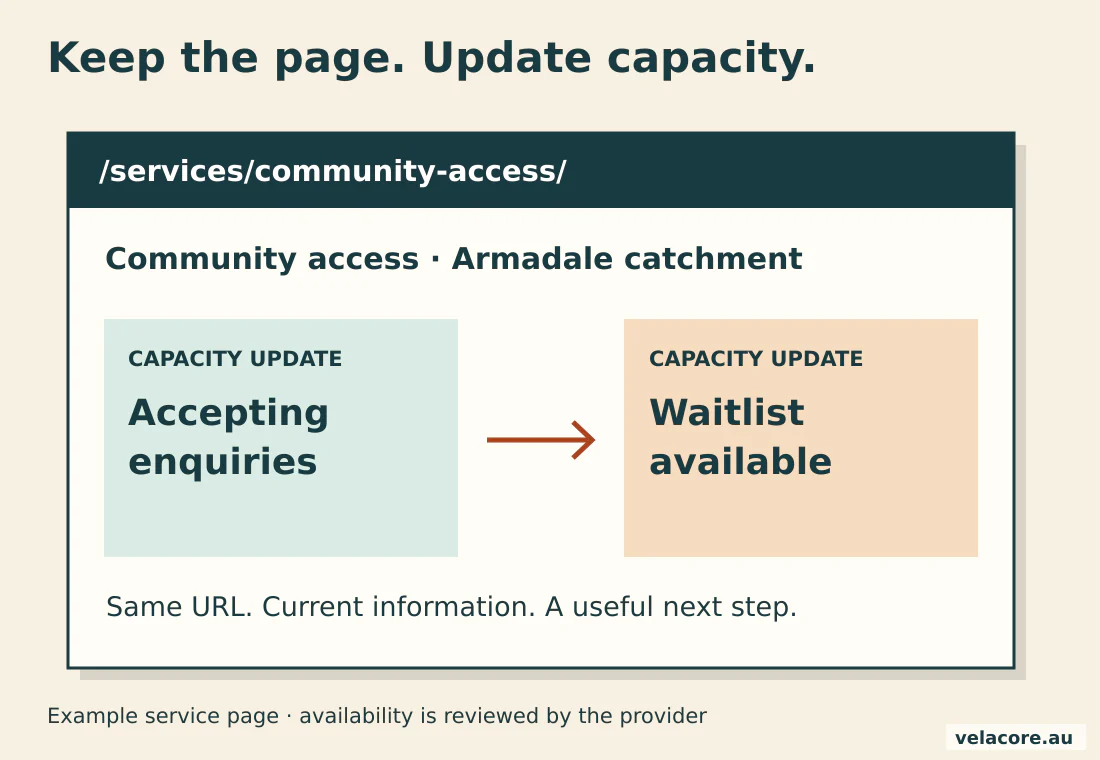
This is an operational choice as much as an SEO one. Give a named team member responsibility for checking capacity statements and referral links. A discoverable page promising a place that no longer exists sends the wrong person down the wrong path.
A waitlist can be an honest next step. An out-of-date promise cannot.
6. Make your service facts clear enough for AI search to retrieve
AI search readiness starts with accessible, indexable pages and clear service facts. Google’s AI search guidance specifies no additional technical requirements or special schema for AI Overviews and AI Mode.
Give each key page a concise opening answer, meaningful headings, genuine coverage information and links to the relevant service or enquiry route. An answer to “Do you provide community access in Armadale?” needs an accurate service and location answer, not another paragraph saying your team is passionate.
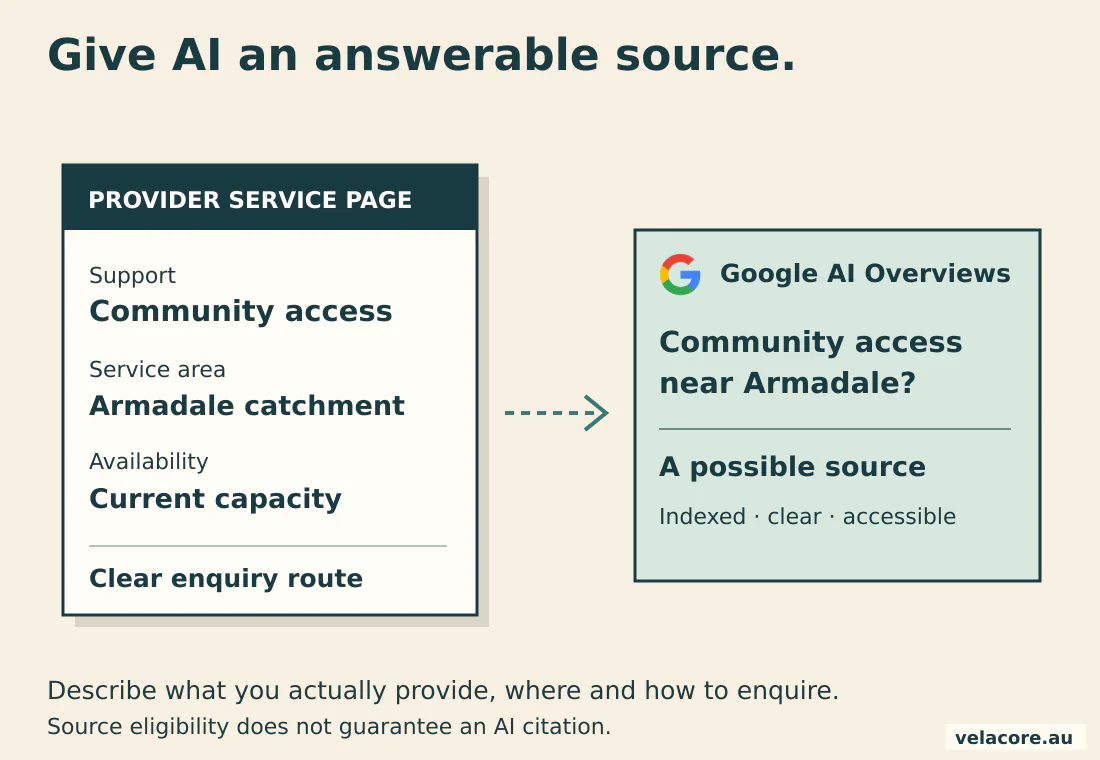
Use structured data to describe the actual organisation, services and visible content. Check its agreement with the page after an edit. FAQ markup describes real questions and answers; it is not a shortcut to an expanded search result.
Precision matters particularly in this sector. The ACCC’s provider guidance addresses misleading impressions about funding eligibility and endorsement. State registration and service eligibility accurately, and follow the NDIA’s logo and affiliation rules. Clear language helps a reader distinguish your service from an official scheme decision.
Track AI visibility as an additional observation, not a replacement for service-page performance. Google includes its AI search feature traffic within Search Console’s Web reporting, so that report is not a clean, separate AI Overviews traffic counter.
7. Measure suitable enquiries without sending intake details to analytics
Connect search visibility to the outcome the team cares about: an enquiry that matches a support you provide in an area you serve. Keep personal intake information in the appropriate private system.
Search Console shows queries, clicks and landing pages. Google Analytics 4 (GA4) can measure the website’s enquiry events. Your intake process establishes whether someone is suitable and what happened next. A phone-link click, submitted form and qualified enquiry are three different facts.
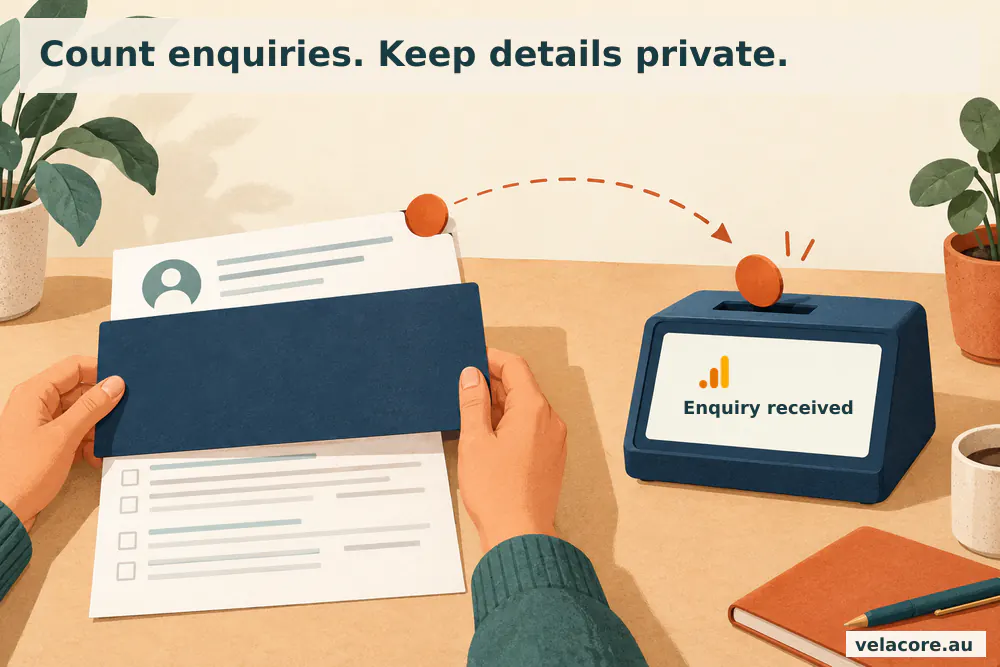
Google documents recommended lead-generation events, including generate_lead and qualify_lead. Fire a submission event only after the enquiry is successfully accepted, not when someone clicks the button. Keep qualification in a process your team can verify; do not infer it from time on page.
| Question | Measure | Where to check |
|---|---|---|
| Can suitable searches find us? | Queries, impressions, clicks and relevant landing pages | Search Console |
| Did the enquiry arrive? | Successful submissions; actual call outcomes where recorded | Form delivery checks and enquiry tracking |
| Can our team help? | Qualified enquiries by support and catchment | Private intake system |
| Did the enquiry progress? | Agreed next steps and service starts, using a consistent definition | Private operational records |
Do not pass names, email addresses or other personal identifiers in analytics events or page URLs. Follow Google’s PII handling requirements and review the actual tags, form integrations and advertising pixels. The OAIC’s tracking-pixel guidance makes data minimisation and sensitive-information handling central to that review.
For a simple worked example, suppose a month brings 20 valid enquiries and intake confirms that 8 match your supports and catchment. The qualified-enquiry share is 40%. That is an example calculation, not an NDIS industry benchmark. It tells you more about fit than a traffic total alone.
Turn the strategy into a practical 90-day work plan
Use the first 90 days to establish a measurable foundation and fix the highest-value gaps. Treat it as an implementation schedule, not a promise that every ranking will move inside three months.
| Period | Priority | Useful output |
|---|---|---|
| Days 1-30 | Check queries, service coverage, current capacity, indexing and enquiry delivery | A prioritised page list and a recorded measurement baseline |
| Days 31-60 | Improve priority service pages, genuine catchment pages, Business Profile and the enquiry path | Published pages with clear ownership and tested contact routes |
| Days 61-90 | Review search changes alongside qualified enquiries and capacity | The next set of improvements, based on observed gaps |
Velacore’s Perth NDIS SEO case study shows how service-page rebuilding, location consolidation and enquiry measurement can work together in one campaign. Its individual results are not a forecast for another provider. Our SEO reporting approach explains how the work and outcomes stay connected.
Avoid the mistakes that create traffic without service fit
Most wasted effort comes from a mismatch between what a page promises and what the organisation can deliver. Check that relationship before adding another campaign.
- Targeting recruitment queries in participant-facing content.
- Publishing interchangeable suburb pages with no useful local differences.
- Leaving old capacity statements, team details or referral links online.
- Using SIL and SDA as interchangeable descriptions.
- Counting a form-button click as a delivered, qualified enquiry.
- Publishing participant details in analytics, testimonials or review replies without appropriate handling.
- Buying irrelevant links or offering incentives for positive reviews.
Check the service, catchment and capacity; confirm the page is indexable; test the enquiry route on mobile and with a keyboard; review source claims and schema; and verify that the team can identify a suitable enquiry when it arrives.
Frequently asked questions about NDIS SEO
How long does an NDIS SEO strategy take to work?
The starting problem determines the timeline. Fixing a broken contact route can help immediately; improving visibility for a competitive service requires ongoing work. Use an initial 90-day plan to complete priority fixes and establish evidence, then review qualified enquiries and search changes over time. Agree the deliverables and measures before the campaign starts.
Should an NDIS provider create a page for every suburb?
Create a separate page when it provides useful, genuinely different local information. That may include services, delivery arrangements, access information or a distinct intake route. If only the suburb name changes, improve the existing regional or service page instead. Keep useful established URLs, and redirect redundant pages to the closest relevant replacement.
Can an NDIS provider without a public office use Google Business Profile?
A provider that meets Google’s eligibility rules and visits participants can use the service-area model. If customers do not visit the business address, follow Google’s rules for hiding that address and specifying the genuine service area. An online-only operation or a virtual mailing address does not create an eligible local office.
Do NDIS providers need separate SEO and AI search campaigns?
The foundations overlap: crawlable pages, clear services, accurate facts, useful answers and appropriate structured data. AI visibility checks can extend the work without creating a second set of near-duplicate pages. Record AI citations and identifiable referral visits separately, and keep qualified enquiries as the commercial measure.
How much should an NDIS provider spend on SEO?
Price depends on the number of service lines and catchments, the website’s condition, competition and who implements the work. Ask for a prioritised scope covering technical fixes, content, local information, measurement and responsibilities. Compare deliverables and evidence, rather than a promised ranking or a fixed number of monthly blog posts.
Which NDIS SEO metric matters most?
Qualified enquiries are the most useful starting commercial measure: people seeking a support you provide in an area you serve, with a next step your team can offer. Use search visibility and website events to diagnose the journey, then use private intake records to confirm suitability and progression. Keep spam and recruitment enquiries separate.
Make the next enquiry a better match
A strong NDIS SEO strategy connects search intent, clear service information, genuine local coverage and a useful enquiry experience. Keep those facts current, measure what reaches intake and improve the pages that can help the right person choose you.
To put that work into a practical scope, get a free NDIS SEO gap audit. Explore Velacore’s SEO services and SEO and AI search approach for the wider service.
Sources and further reading
- NDIA national dashboard, June 2026 and quarterly-report appendices.
- ABS Survey of Disability, Ageing and Carers, 2022.
- Google local ranking guidance, business representation rules and service-area guidance.
- Google AI search guidance and Search spam policies.
- ACCC provider obligations, NDIA affiliation guidance and OAIC tracking-pixel guidance.