

You’ve probably heard the phrase: “Good design is invisible.” But in the world of websites, good design is also persuasive. It doesn’t just look nice, it nudges people toward action.
Here’s the reality: 88% of online consumers say they won’t return to a website after a bad user experience. That’s nearly nine out of ten lost opportunities if your site isn’t pulling its weight.
And in Australia, where 97.1% of people use the internet, the competition for attention is fierce. Your audience isn’t comparing you only to direct competitors; they’re judging you against the seamless experiences of Netflix, Amazon, and Canva.
The secret behind those platforms? Web design psychology. It’s about understanding how humans process information, make decisions, and respond to subtle triggers. Then, using those insights to craft a site that not only attracts visitors but also converts them.
Let’s dive into 7 proven psychological principles that make people click.
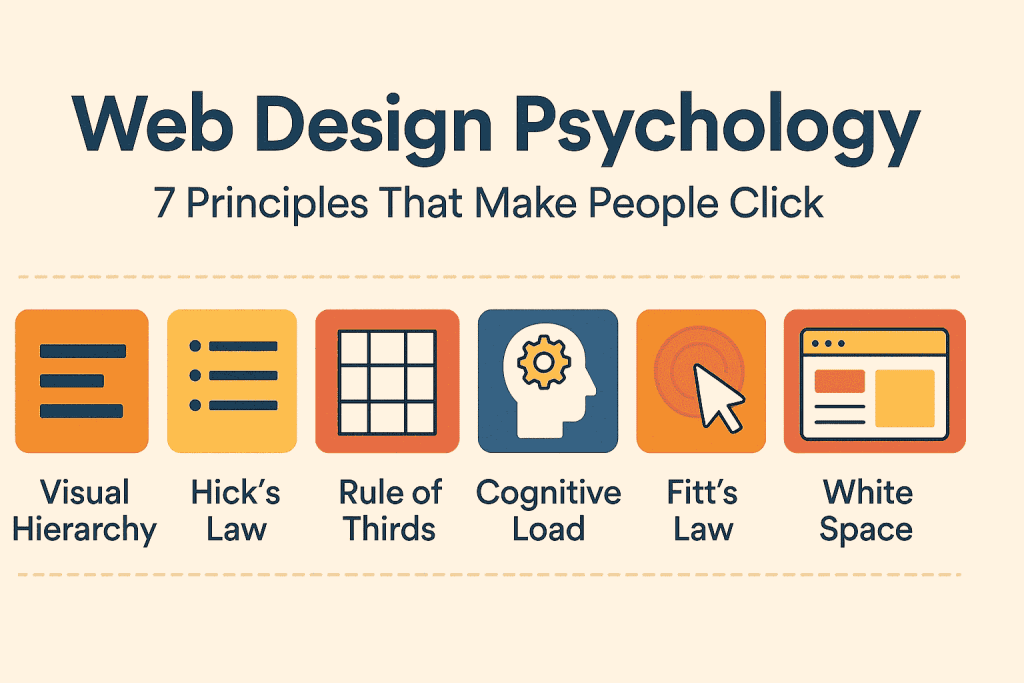
1. Visual salience: CTA design psychology that drives clicks
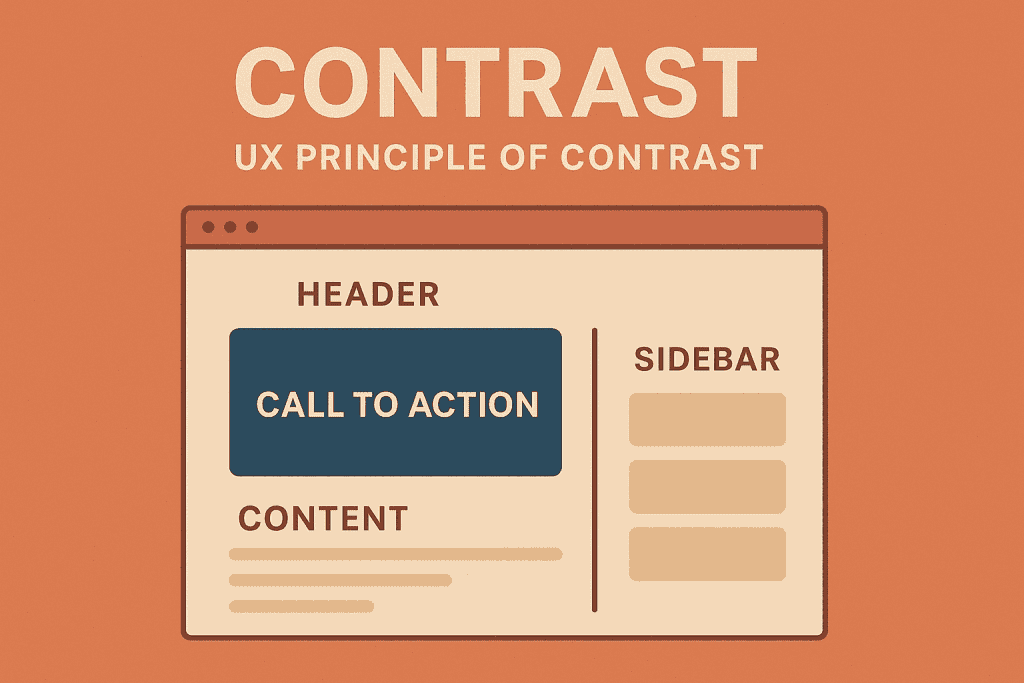
Our brains are wired to notice what’s different. Psychologists call this the Von Restorff effect. When one item stands out, it’s more likely to be remembered.
On websites, this translates into how you design your call-to-action (CTA).
Take Netflix: their red “Join Now” button stands boldly against dark, minimalist backgrounds. That’s not just branding. It’s a psychological nudge saying, “Click here.”
How to Apply This Principle
- Use contrasting colors for CTAs. (Blue page? Use orange. Black page? Use red.)
- Add white space around the button to isolate it from noise.
- Avoid clutter; don’t surround your CTA with competing links.
Pro Tip: A CTA should pass the 2-second test. If a user can’t find it almost instantly, redesign it.
2. Hick’s law in web design: Fewer choices, faster decisions
Hick’s Law states: the more options people have, the longer it takes to decide. And the longer the hesitation, the higher the chance of abandonment.
And on the web, hesitation kills conversions.
Amazon solved this brilliantly with their 1-Click Checkout. By eliminating unnecessary steps, they turned checkout into an effortless, almost impulsive action.
How to Apply This Principle
- Keep navigation menus under 7 main items.
- Cut form fields to the essentials (e.g., name, email, phone — not birthday, pet’s name, and fax number).
- Guide users toward a single primary action per page.
Remember, simplifying navigation can boost conversion rates by up to 200%
3. Gestalt Principles in web design & Visual Hierarchy: Organise for the brain
Humans don’t just see, we perceive patterns. Gestalt psychology explains how we group things: by proximity, similarity, or common region. This is why cluttered sites feel stressful, while clean layouts feel effortless.
Look at Canva’s dashboard:
- Related tools are grouped (proximity).
- Icons are consistent in shape and style (similarity).
- Features are boxed within sections (common region).
The result? Intuitive, stress-free design.
Quick Table: Gestalt Principles in Web Design
| Gestalt Law | Example in Web Design |
| Proximity | Group “About Us,” “Our Team,” and “Careers” together in navigation. |
| Similarity | Use consistent button styles for all CTAs. |
| Common Region | Place product details inside a card or box. |
| Figure-Ground | Use high-contrast banners to highlight offers. |
How to Apply This Principle
- Use hierarchy: Headlines > Subheadings > Body text.
- Apply Z-pattern or F-pattern layouts that mirror natural eye movement.
- Group related actions visually.
Remember, if users can’t scan and get it, they’ll bounce.
4. Cognitive Biases in UX: Psychological triggers that convert
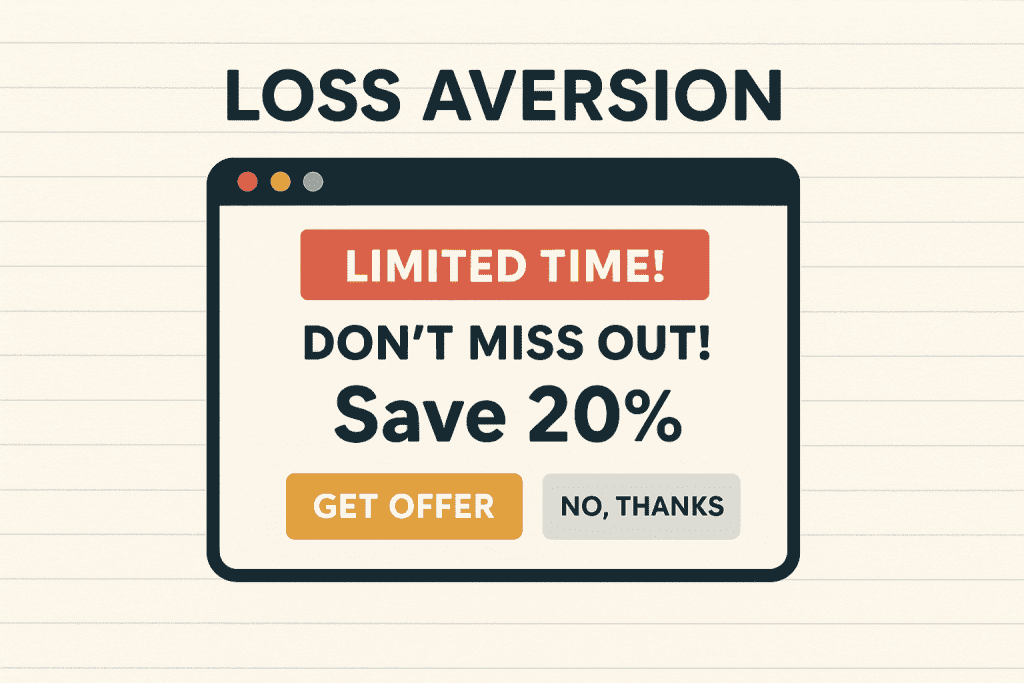
Design is never neutral. Subtle psychological biases push people to act (or not act). Let’s look at three that supercharge conversions:
- Reciprocity: Give something first, and people feel compelled to return the favor. Think free eBooks or first-month discounts.
- Scarcity & loss aversion: Phrases like “Only 3 left in stock” trigger urgency. Booking.com thrives on this.
- Social proof: Humans trust humans. Reviews, testimonials, and logos of brands you’ve worked with build trust fast.
In fact, research shows that adding social proof to landing pages can lift conversions by as much as 34%, proving that what others say about your business often matters more than what you say yourself.
How to apply this principle
- Add a testimonial slider on landing pages.
- Use real-time stock counters (“12 people viewing this now”).
- Show logos of trusted clients/partners.
5. Serial position effect: First & last stick best
People remember the first and last things they see — the middle often gets lost.
That’s why your hero section (the top of the page) and your closing CTA (before the footer) are the most valuable real estate on your site.
Apple does this brilliantly:
- Opening with bold product messaging (“iPhone 15 Pro. Titanium. So light. So strong. So Pro.”).
- Closing with simple CTAs (“Buy Now” / “Learn More”).
How to Apply This Principle
- Put your USP (unique selling proposition) right at the top.
- Reinforce benefits before the footer.
- Avoid burying CTAs in the middle of long paragraphs.
6. Cognitive fluency: Don’t make me think
Steve Krug’s famous UX mantra is simple: “Don’t make me think.” The easier something is to process, the more people trust it.
This is cognitive fluency: our preference for things that are easy to understand. When websites use jargon, clutter, or long-winded messaging, they create friction. But when the value is obvious and language is simple, people respond.
That’s why studies show websites with a clear value proposition convert up to 200% better than those with vague or complex copy. In other words, clarity isn’t just good practice, it’s a conversion multiplier.
How to apply this principle
- Write clear, benefit-driven copy.
- Use short paragraphs and bullet points.
- Stick to familiar icons and navigation styles.
Pro tip: Test your site on a 12-year-old. If they can’t tell what you do in 5 seconds, rewrite.
7. Aesthetic-usability & motion psychology
Looks matter, and fast. A study found users form design impressions in just 50 milliseconds.
Beautiful, modern websites aren’t just about aesthetics. People perceive them as easier to use. This is the aesthetic-usability effect.
Add to this the power of motion. Platforms like Duolingo use micro-animations (like celebration streaks) to encourage habit-building and engagement.
How to apply this principle
- Use a minimal, uncluttered layout.
- Add purposeful animations: hover effects, loading indicators, progress bars.
- Prioritise mobile design; with over 64% of global web traffic now coming from mobile devices, a desktop-first approach leaves the majority of your visitors with a second-rate experience.
Bonus: AI personalisation as a web design psychology lever
The seven principles above are timeless. But in 2026, there’s a layer on top of all of them that is changing how the best-performing websites operate: AI-driven personalisation.
Websites can now adapt in real time to individual visitor behaviour. A first-time visitor from a Google Ad sees a different hero headline than someone who has already read three of your blog posts. A returning visitor who browsed your pricing page gets a more direct CTA than a cold lead who landed on your homepage. The layout, the copy, the offer, all of it can shift based on what someone has already done.
The psychology here is straightforward. Personalisation activates the same relevance bias that makes us stop scrolling when we see our own name. Content that feels tailored to us feels more trustworthy, more useful, and more worth acting on. The numbers reflect this: personalised CTAs convert 202% better than generic ones, according to HubSpot. That’s not a marginal improvement; it’s a structural advantage for businesses willing to implement it properly.
How to apply this principle
- Use dynamic CTAs: Tools like HubSpot, Webflow, and various CMS platforms now let you swap button text and destination based on whether someone is a first-time or returning visitor.
- Personalise hero headlines: If someone arrives from a specific campaign or industry page, show a headline that speaks to their context rather than a generic brand statement.
- Use recommendation logic: For ecommerce and content-heavy sites, surface related products or articles based on browsing history rather than relying on static homepage grids.
- Don’t overdo it: There is an uncanny valley in personalisation. When it feels too precise or surveillance-like, it backfires. The goal is relevance, not surveillance. Subtlety works better than showing users you’ve been watching their every click.
Pro Tip: Start simple. Swap one CTA based on whether a visitor is new or returning. Measure the lift. Then expand. You don’t need a complex AI stack to see real results from personalisation; a single relevant change at the right moment is often enough.
How to apply this principle
Websites can now adapt in real time to individual visitor behaviour. A first-time visitor from a Google Ad sees a different hero headline than someone who has already read three of your blog posts. A returning visitor who browsed your pricing page gets a more direct CTA than a cold lead who landed on your homepage. The layout, the copy, the offer, all of it can shift based on what someone has already done.
The psychology here is straightforward. Personalisation activates the same relevance bias that makes us stop scrolling when we see our own name. Content that feels tailored to us feels more trustworthy, more useful, and more worth acting on. The numbers reflect this: personalised CTAs convert 202% better than generic ones, according to HubSpot. That’s not a marginal improvement; it’s a structural advantage for businesses willing to implement it properly.
How to apply this principle
- Use dynamic CTAs: Tools like HubSpot, Webflow, and various CMS platforms now let you swap button text and destination based on whether someone is a first-time or returning visitor.
- Personalise hero headlines: If someone arrives from a specific campaign or industry page, show a headline that speaks to their context rather than a generic brand statement.
- Use recommendation logic: For ecommerce and content-heavy sites, surface related products or articles based on browsing history rather than relying on static homepage grids.
- Don’t overdo it: There is an uncanny valley in personalisation. When it feels too precise or surveillance-like, it backfires. The goal is relevance, not surveillance. Subtlety works better than showing users you’ve been watching their every click.
Pro Tip: Start simple. Swap one CTA based on whether a visitor is new or returning. Measure the lift. Then expand. You don’t need a complex AI stack to see real results from personalisation; a single relevant change at the right moment is often enough.
Conclusion: Turning UX principles into website conversion triggers
Most websites are built to look good. But few are designed to influence behavior. And that’s the difference between a site that gets visits and a site that gets sales.
By applying these 7 psychology-backed principles — from visual salience to scarcity, from hierarchy to fluency, you transform your site into more than just a digital platform. It becomes a conversion engine.
At Velacore, we help Australian businesses design websites that marry aesthetics with psychology, creating experiences that drive measurable ROI.Ready to turn your site into a psychology-driven sales tool? Let’s talk.