
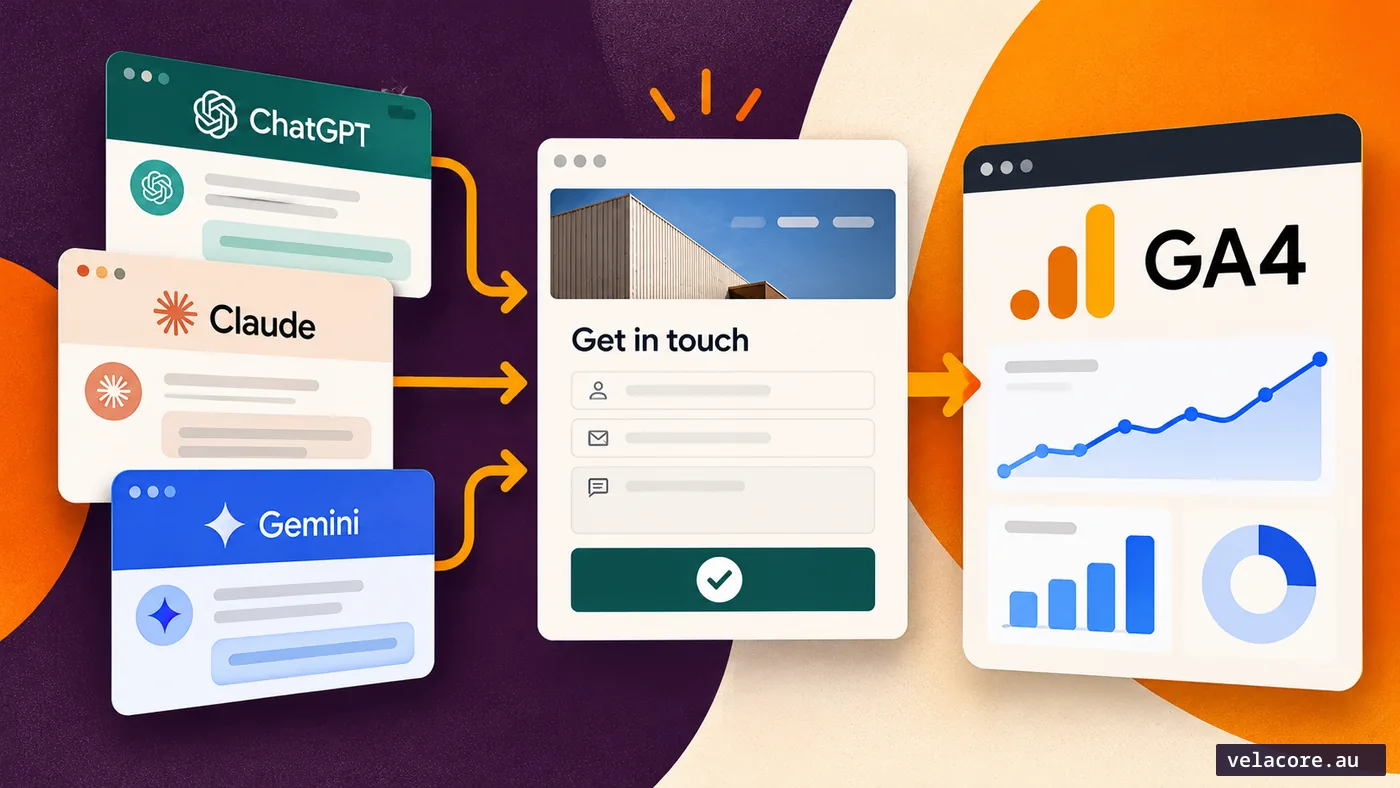
A potential customer asks an AI assistant to compare providers. It mentions your business, and the customer visits your website. Your analytics records a session. Your sales team receives an enquiry two days later. Did AI search produce a lead worth pursuing?
Measuring AI Assistant traffic in GA4 takes more than a traffic chart. You need to know which visits you can attribute to AI assistants, which of those visitors submitted a successful enquiry, and which enquiries actually fit your business. This guide shows how to connect those three questions without pretending that every AI-influenced buyer leaves a perfect referral trail.
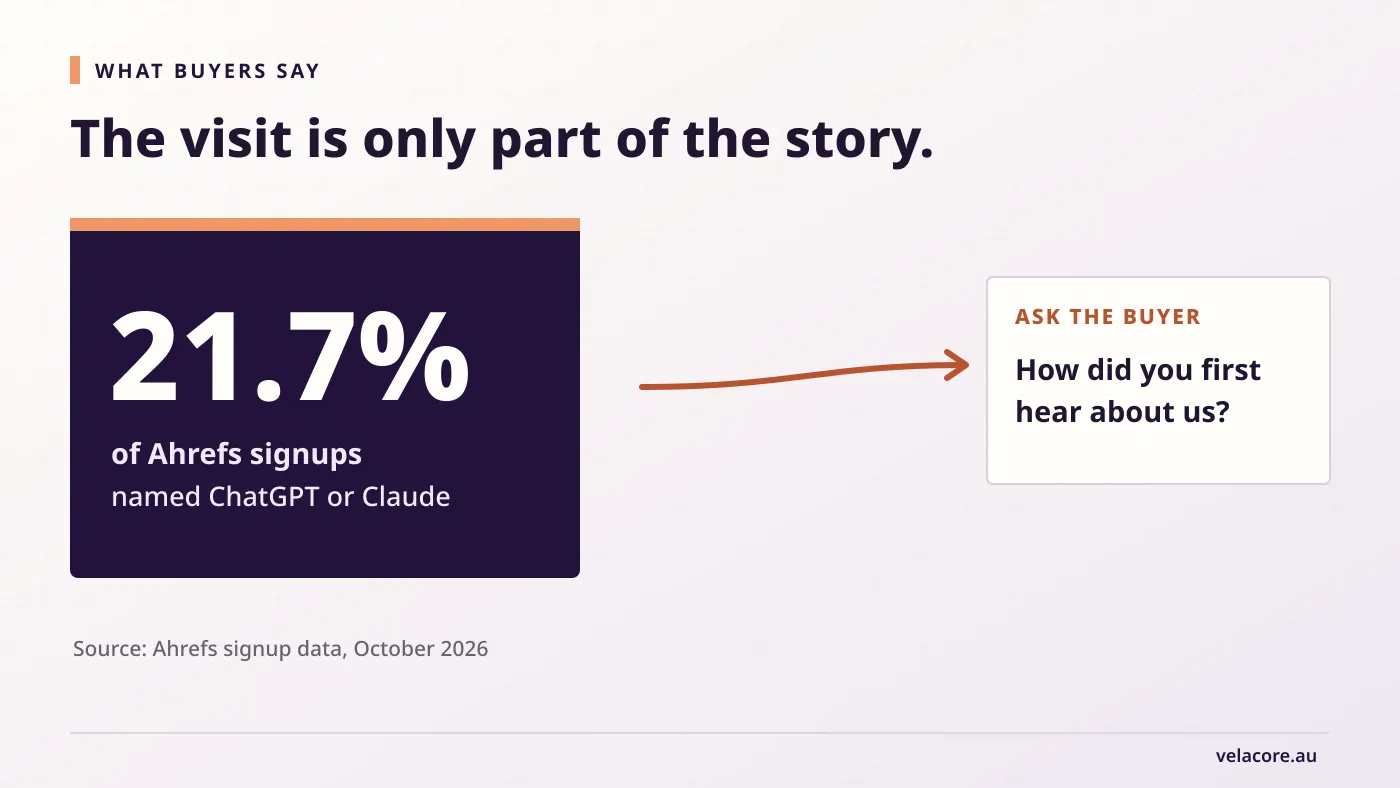
There is good reason to measure this carefully. In Ahrefs’ October 2026 account of its own signup data, 21.7% of people signing up across its free and paid tools said they found Ahrefs through ChatGPT or Claude. It illustrates a measurement gap: what customers say influenced them can differ from the source recorded for their final website visit.
If you are first trying to understand falling organic clicks, start with our guide to investigating AI Overview traffic loss. This article begins at the next question: are AI-assisted visits and enquiries producing commercial opportunities?
Decide what counts as a lead before opening GA4
A contact-form submission is a useful event. It is not automatically a qualified lead. A supplier pitch, a job application and a request for a service you do not provide can all trigger the same form confirmation.
For a service business, use three simple stages:
| Stage | What it means | Evidence |
|---|---|---|
| Accepted enquiry | A person successfully contacts the business. | Accepted form submission or confirmed call request. |
| Qualified lead | The enquiry fits the services, geography and buying need you can serve. | Sales review in the enquiry log or CRM. |
| Opportunity | A commercial discussion begins or the work is won. | Proposal, opportunity record or signed work. |
Write your qualification rules in plain language. For example: “A qualified lead has a relevant project, a reachable decision-maker, a service area we cover and an appropriate delivery window.” Your business may use different criteria. Keep them consistent across AI Assistant, Organic Search, Direct and other channels; otherwise the comparison becomes a judgement about how different teams tag leads.
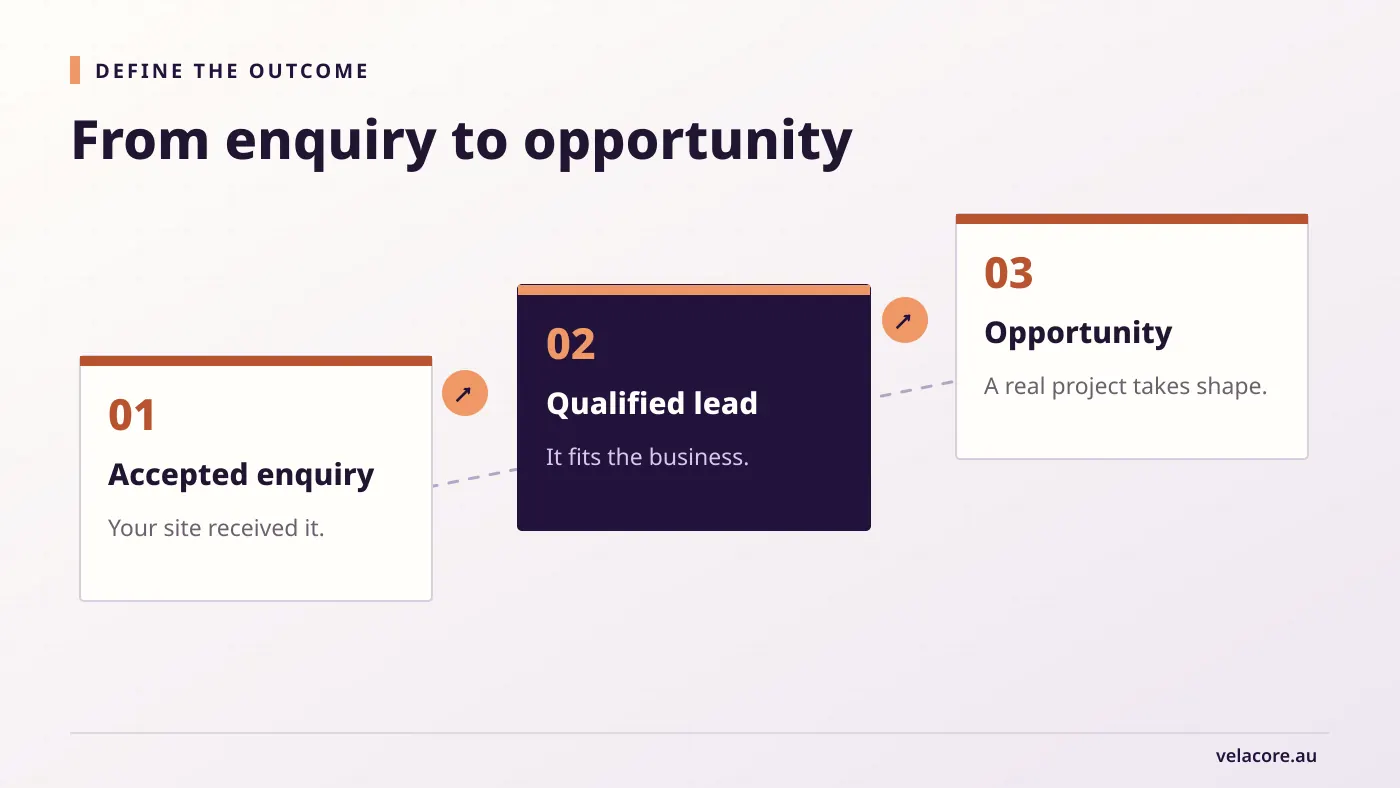
Google’s recommended GA4 lead events distinguish generate_lead from later events such as qualify_lead and close_convert_lead. Those later events require deliberate implementation; GA4 does not know that a sales conversation went well simply because somebody submitted a form.
The distinction changes how you read impressive conversion rates. Ahrefs reports that 6% of AI search visitors to one of its sites signed up for a free account. That was four times its organic-search signup rate. Ahrefs also points out that a free signup is not a paying customer. For a service business, an enquiry rate without a qualification or opportunity count leaves the same question unanswered.
Step 1: Track AI Assistant traffic in GA4
Open Reports → Acquisition → Traffic acquisition in GA4. Look at the Session default channel group dimension and find the AI Assistant row. Google defines this channel for visits from sources such as ChatGPT, Gemini, DeepSeek, Copilot and Grok. It is maintained in the default channel grouping, so you should check it before building a custom regex channel. Google’s channel definitions can change as it updates its source list.
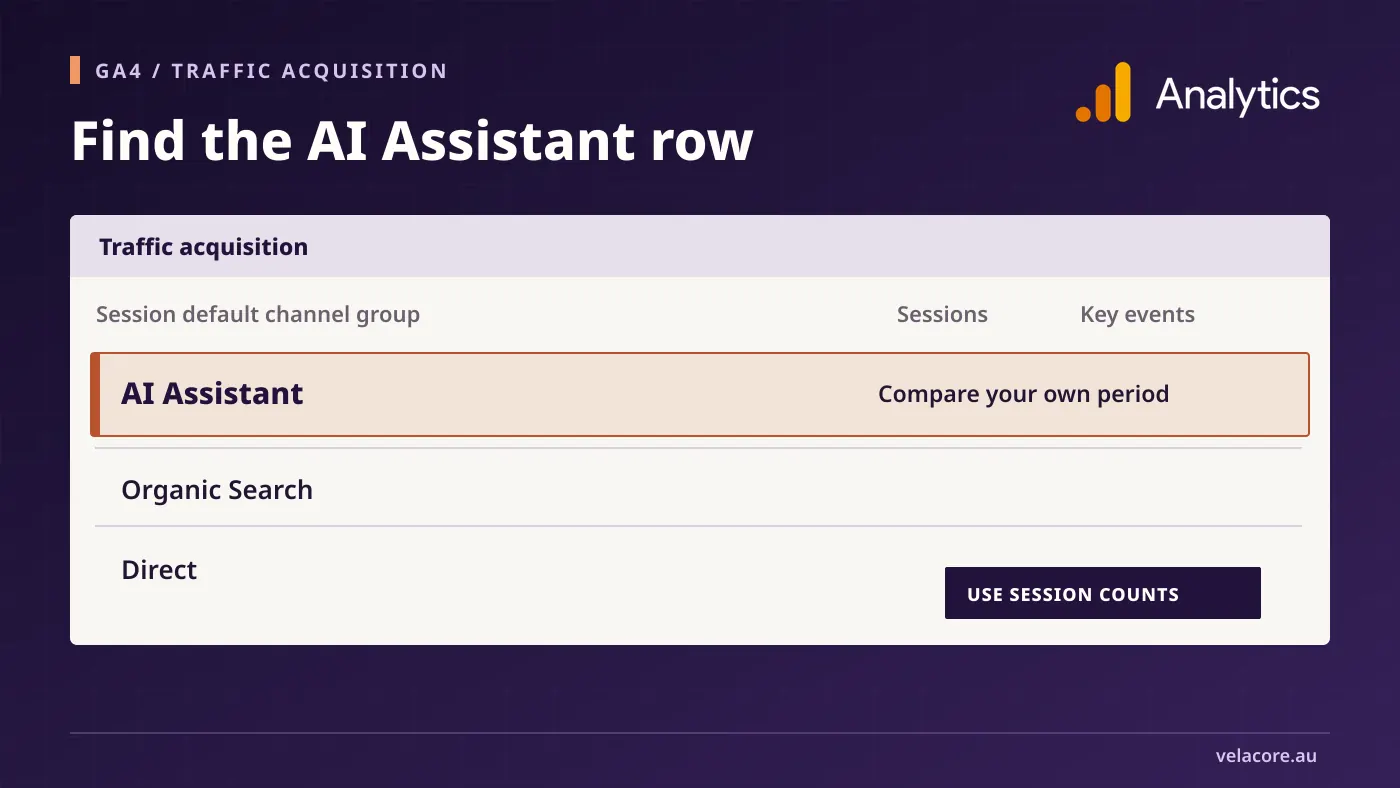
Start with a useful date range, then record sessions, engaged sessions and the enquiry key event for the AI Assistant row. Compare those figures with the same measures for Organic Search and Direct, using the same dates. If the row is absent, that may mean there were no classified visits in the period, the reports have insufficient data, or visitors arrived without a recognisable referrer. It does not prove that no buyer encountered your brand in an AI answer.
Scale and momentum tell different stories. In Semrush’s analysis of more than 50,000 websites across 17 industries, AI referral traffic grew 66% during 2025 but still represented 0.14% of total visits. A small AI Assistant row is unsurprising. The business question is whether the visits you do receive become suitable enquiries.
The dimension matters. Traffic acquisition is about sessions. User acquisition is about where users first arrived. Google explains the difference between the two reports; do not combine first-user counts with session counts in the same conversion-rate calculation. For a monthly lead report, choose a session view and use it consistently.
There is another boundary worth keeping clear: GA4’s AI Assistant channel excludes Google AI Overviews and AI Mode. Google classifies those visits with Organic Search in its default-channel guidance. Keep a separate line for Google’s AI features rather than adding their impressions to the AI Assistant session count.
Step 2: Count successful enquiries, not button presses
You need one reliable event that fires after the site accepts an enquiry. A click on “Send”, a form start or an attempted submission is not enough. If validation fails, bot protection rejects the request, or the server returns an error, no lead was created.
Use your site’s successful-submission confirmation as the trigger for a generate_lead event, or use an existing successful lead event and document its meaning. Mark the lead event as a key event in GA4 so it can be reviewed by channel. Google’s lead-form reporting guide separates form views, starts and submissions, while its recommended-event guidance assigns generate_lead to an actual request for information.
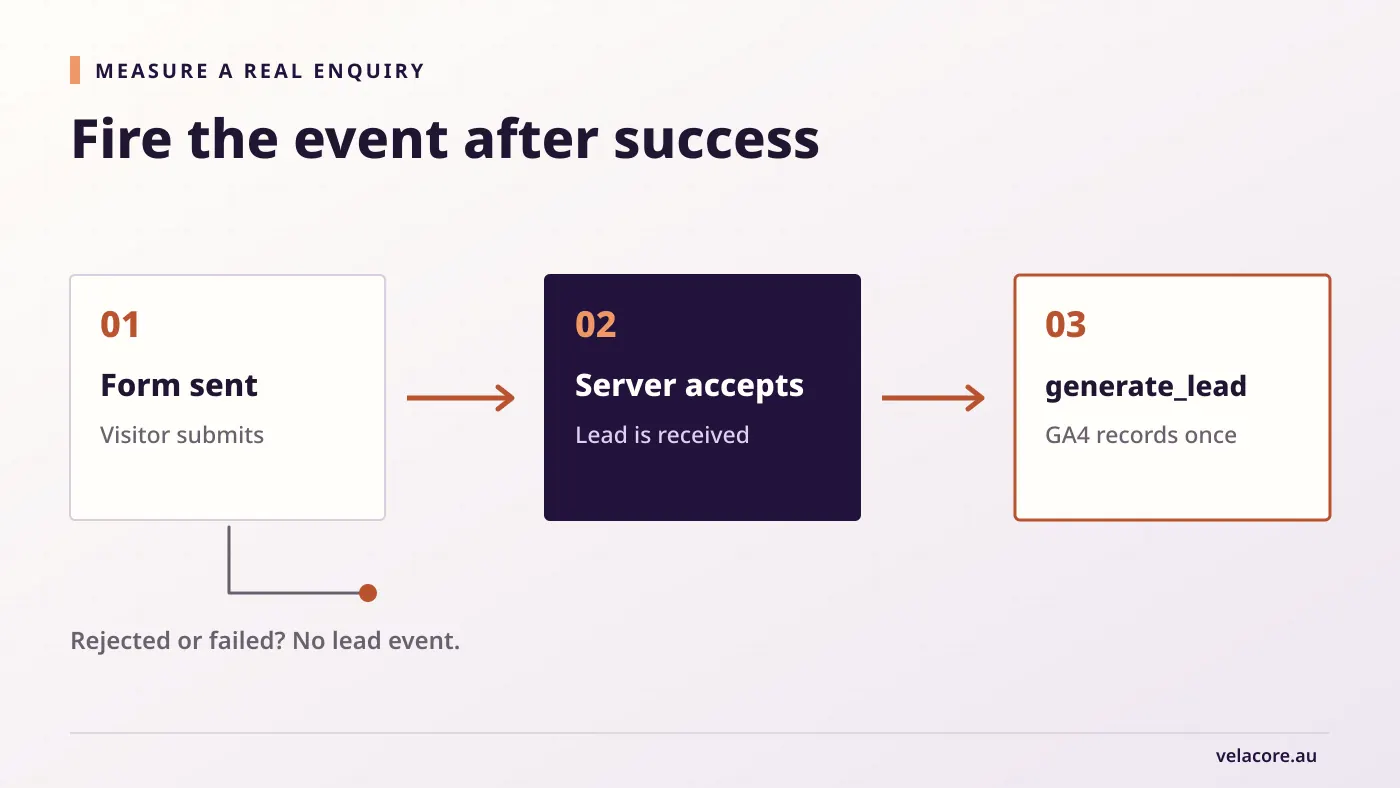
Before trusting the report, send a test enquiry through the real form flow and confirm three things: the form handler accepted it, the lead arrived in the destination inbox or CRM, and GA4 recorded exactly one lead event. Repeat the test for each distinct form type that counts as an enquiry. A phone-link click can be measured separately, but it is a call intent, not proof that a conversation occurred.
Never send the visitor’s name, email, phone number or free-text enquiry into GA4 event parameters. Keep customer details in your approved enquiry system and use aggregated, non-identifying figures in analytics. Google’s Analytics guidance prohibits sending personally identifiable information.
Step 3: Measure the pages and enquiries that matter
Once the event works, look beyond the total AI Assistant row. Which landing pages bring visitors who actually enquire? A comparison page may attract fewer sessions than a definition article but produce more serious project conversations. Record the landing page, relevant service, enquiry count and qualification outcome.
Keep this review practical. A monthly working sheet can contain one row for each channel and service area:
| Channel | Sessions | Accepted enquiries | Qualified enquiries | Opportunities |
|---|---|---|---|---|
| AI Assistant | 40 | 4 | 2 | 1 |
| Organic Search | 400 | 20 | 8 | 3 |
In this worked example, AI Assistant produces fewer enquiries but half of them qualify; Organic Search produces more total qualified enquiries. Both facts matter. If you use a rate, name its denominator: qualified enquiries divided by accepted enquiries answers a different question from qualified enquiries divided by sessions.
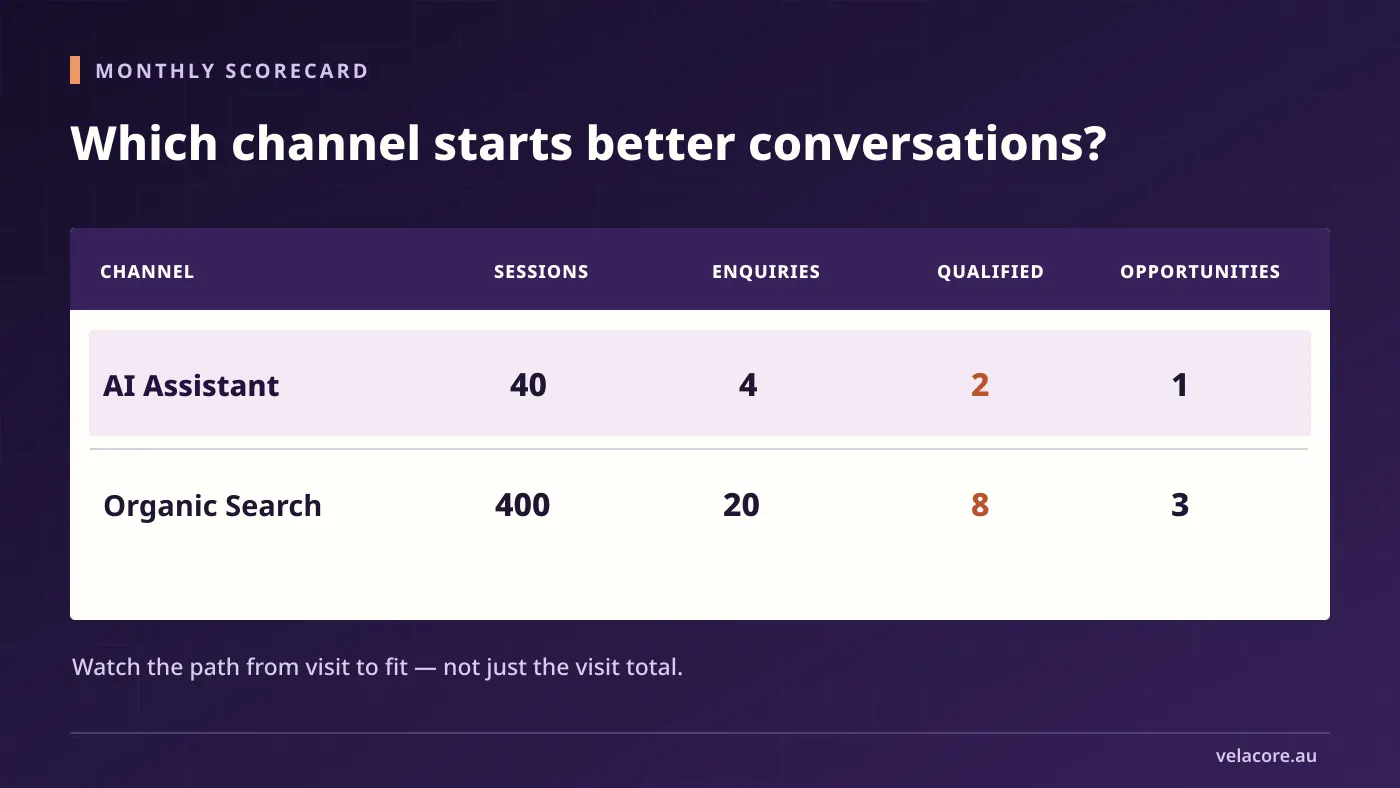
Do not draw a grand conclusion from four enquiries. Small counts move sharply from month to month. Compare a longer period, look at the actual enquiries and note whether a campaign, a large referral or one unusually strong article changed the mix.
Step 4: Ask buyers how they found you
Some people read an AI recommendation, leave the assistant, and return by typing your name into Google. Others paste a link into a browser or visit on a different device. The final session can show Organic Search or Direct even though an AI answer helped them decide.
That mixed journey shows up in research. In Semrush’s December 2025 survey of 1,030 US shoppers who had tried AI tools, 77% said they used AI and traditional search together. After an AI tool mentioned a brand or product, 40% searched Google for more information and 28% went directly to the brand’s website. A report that records only the last visit can miss the earlier recommendation.
Add one light-touch question to the sales process: “How did you first hear about us?” Let the person answer in their own words. The sales team can note “ChatGPT”, “Google AI answer”, “colleague”, “search” or “not sure” in the enquiry system. Do not force every response into a category the buyer did not choose. An optional question after a form submission or during the first conversation is usually less disruptive than another mandatory field on a short contact form.
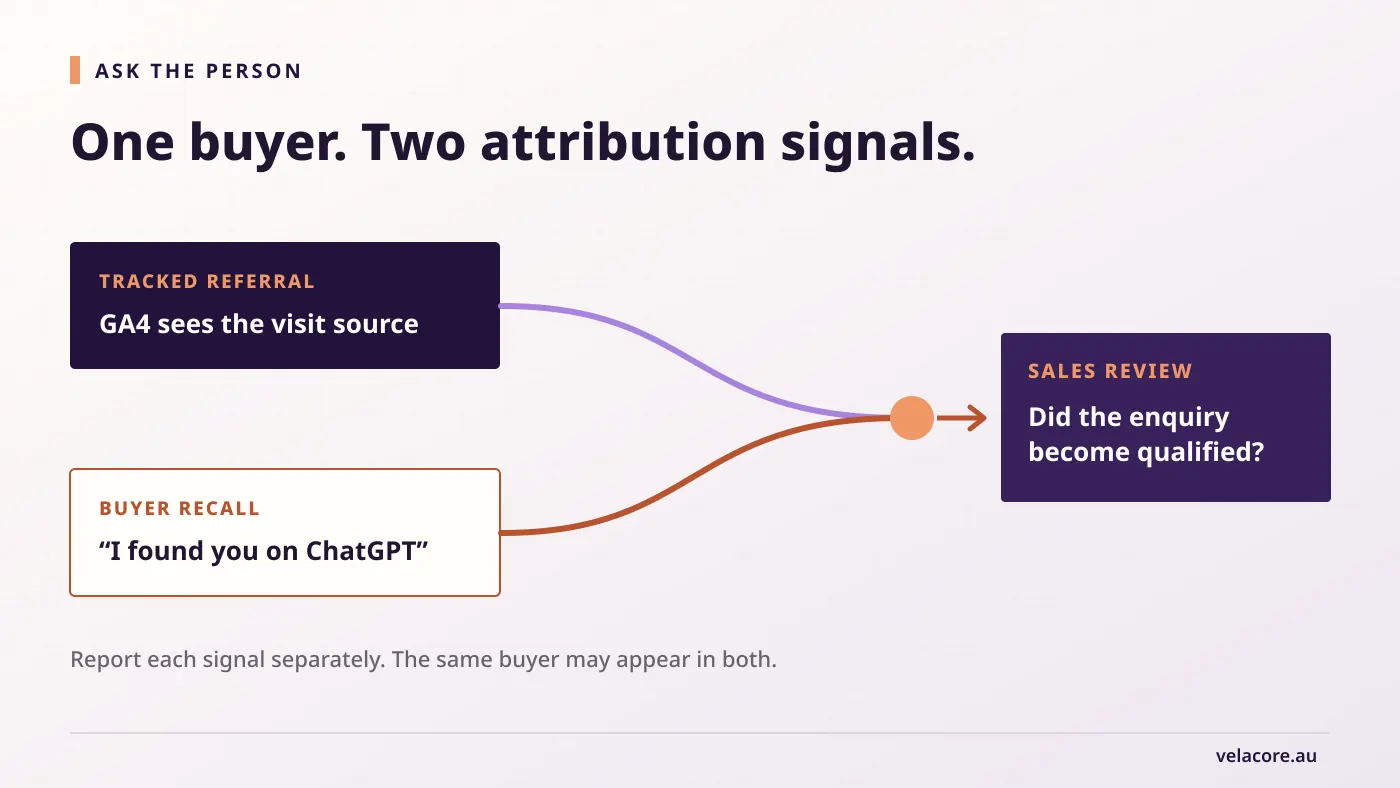
This produces a second view of AI influence. It is self-report, so treat it as a useful signal rather than an exact attribution model. Ahrefs’ own signup account demonstrates why the question is worth asking, but your buyers may behave very differently from a software company’s customers.
Keep three counts separate in the monthly report: tracked AI Assistant enquiries, buyers who mention an AI tool, and enquiries with no known source. The same person can appear in the first two groups, so do not sum them into an inflated total.
Step 5: Read Google AI visibility as a different signal
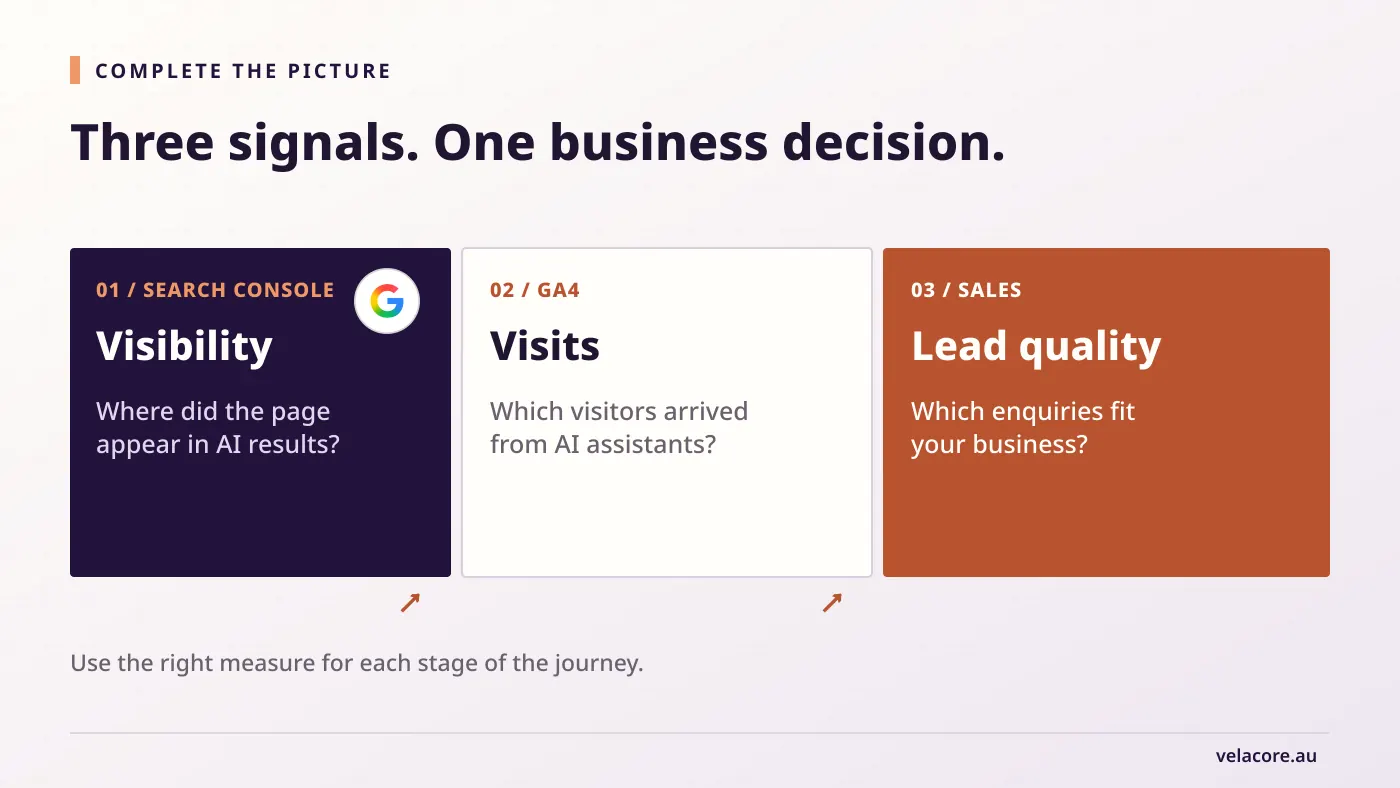
Search Console now has a Generative AI performance report for visibility in Google AI Overviews and AI Mode. Google says this report shows impressions by page, country, date and device. It does not give you an AI Overview enquiry total. Google’s report documentation explains how those impressions are counted.
The difference between appearing and earning a visit is measurable. In Pew Research Center’s study of Google searches by 900 US adults in March 2025, only 1% of visits to results with an AI summary led to a click on a link in that summary. People clicked a traditional result in 8% of visits with an AI summary, compared with 15% without one. This is why AI visibility, visits and leads belong on separate lines in the report.
Use it to identify pages Google is showing within its AI features, then compare those pages with your ordinary Search Console and GA4 reports. If a page gains AI impressions and later gains qualified enquiries, that is worth investigating. It is not proof that every extra enquiry came from AI. Seasonality, ordinary search, brand activity and sales outreach may also have changed.
The distinction protects your reporting. Visibility tells you where your content appeared. Visits tell you which clicks were attributable. Qualified leads tell you whether the resulting conversations fit the business. A useful AI search strategy needs all three, but no single dashboard contains the whole journey.
What to do with the findings
After a month or two of clean measurement, the next action usually falls into one of four cases:
- AI Assistant visits, no accepted enquiries. Review the landing pages, offer and enquiry path. Check that the lead event works before treating this as a conversion problem.
- Accepted enquiries, poor fit. Look at the questions that sent visitors to your pages. Make service scope, location and suitability clearer in the article and on the linked service page.
- Few tracked visits, but buyers mention AI. Keep recording that first-hand source feedback. Use it as evidence of influence without assigning invented session or revenue totals.
- Qualified leads and opportunities appear consistently. Identify the pages and topics behind them. Expand the useful content and improve the next-step path, then watch whether lead quality holds.
For most businesses, the best first report is a small one: AI Assistant sessions, accepted enquiries, qualified enquiries, opportunities and a note on self-reported discovery. It gives the team something they can act on without claiming certainty the data cannot provide.
If your reports show interest but the enquiry path is weak, Velacore’s SEO and AI search work can connect the content strategy to the pages and measurement that turn visibility into a business conversation.
Frequently asked questions
Does GA4’s AI Assistant channel include Google AI Overviews?
No. Google’s default channel definitions place AI Overviews and AI Mode within Organic Search, while the AI Assistant channel covers referrals from assistant services such as ChatGPT and Gemini.
Can I calculate AI lead quality entirely in GA4?
You can report attributed sessions and successfully recorded lead events there. Whether the enquiry fits your business usually requires a sales or CRM decision. Google does describe later events such as qualify_lead, but those outcomes must be implemented deliberately and tied to a real qualification process.
What if the AI Assistant row is empty?
Check the date range, lead-event setup and whether any identifiable referrals arrived. An empty row cannot rule out AI influence when a buyer later returns through search, direct navigation or another device. Record what buyers tell you and keep the tracked and self-reported counts separate.